Updated April 16, 2026 · v3.2

Opiumware — The Best
Keyless Roblox Executor

Run any Roblox Lua script instantly — no key system, no paywall, no waiting. The highest UNC success rate among free executors in 2026.
96%UNC Score
500K+Downloads
0Keys Required
<2sInject Time
Opiumware Executor — v3.2
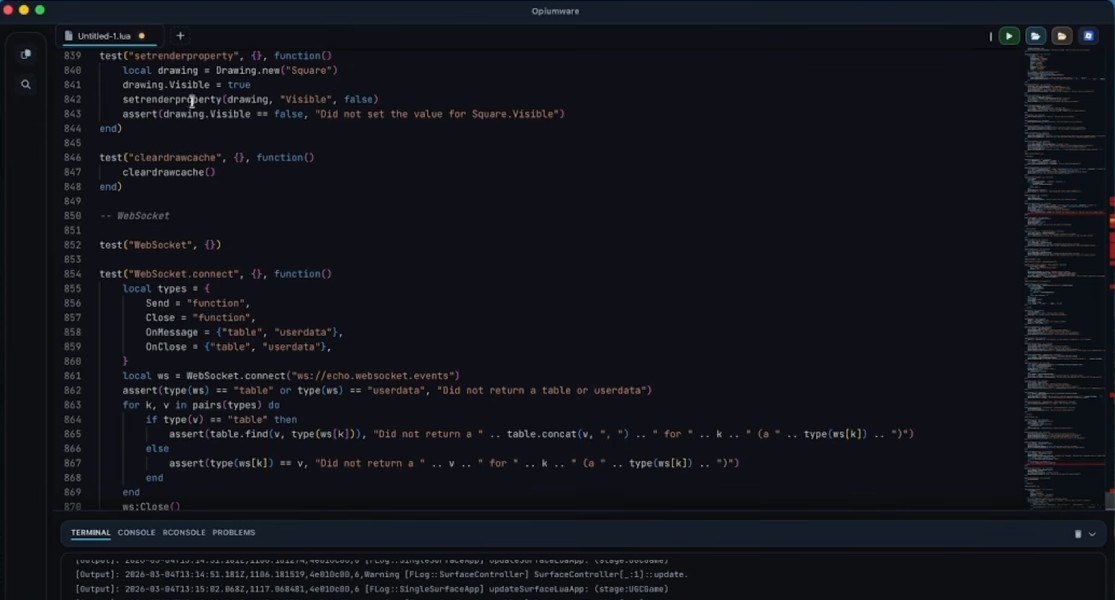
Opiumware Executor v3.2 — script editor and Script Hub interface screenshot

Why Opiumware

Everything You Need Built Right In

Every feature ships in the free build — zero hidden paywalls, zero premium tiers.

📝

Script Editor

Full Lua editor with syntax highlighting, bracket matching, auto-indent, and multiple save slots. Write, test, and reuse scripts without leaving the app.

📚

Built-In Script Hub

300+ community scripts organized by game. Search by name, click once, and execute — library updates automatically as Roblox games patch.

🔑

Completely Keyless

Zero key checkpoints, zero link-shortener loops. Download Opiumware and start injecting immediately — no waiting room, ever.

⚙️

Custom Settings

Adjust injection delay, toggle auto-inject on game launch, pick your UI theme, and configure hotkeys — full control from the settings panel.

📊

96% UNC Success Rate

96 / 100 UNC

Opiumware passes 96 of 100 UniversalSYNC checks — placing it among the top-tier executors regardless of price point, as of April 2026.

🛡️

Vulnerability Tested

Every release is scanned before publishing. Compatibility patches go live within 24 hours of any Roblox client update, keeping your sessions stable.

Preview

See Opiumware in Action

Clean interface, no clutter. Every tool visible without digging through menus.
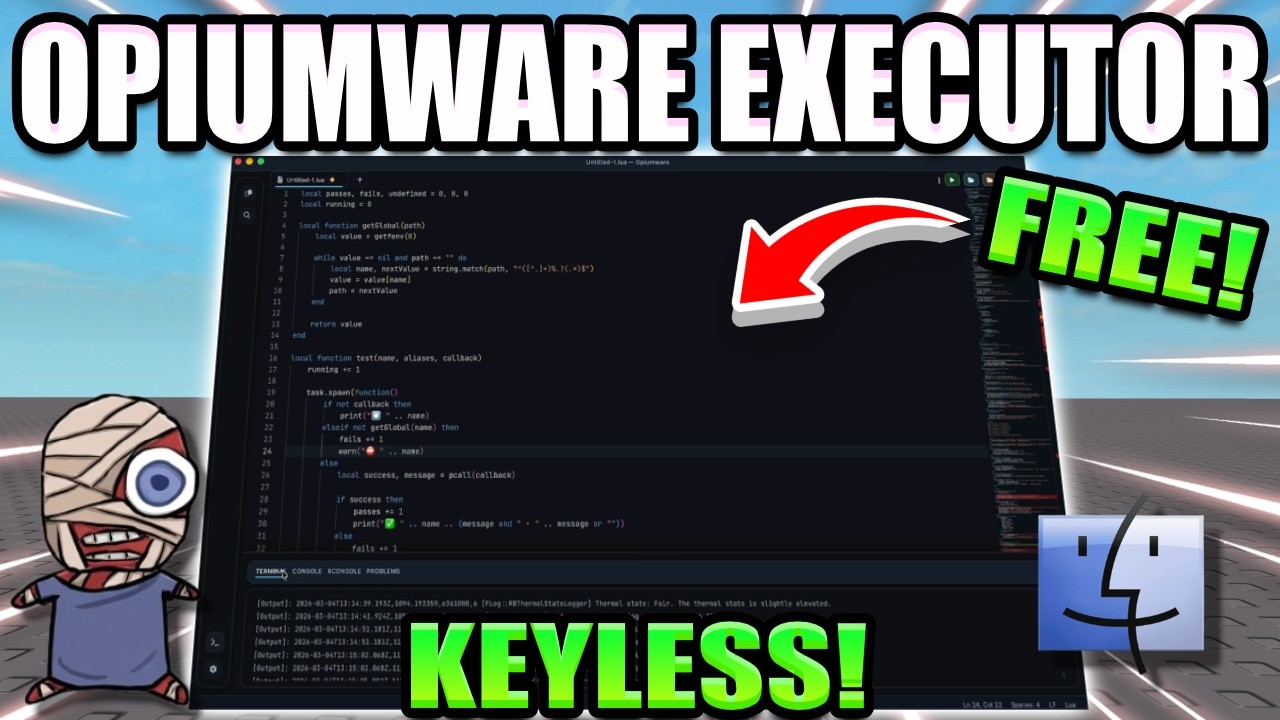
Opiumware Executor full interface — editor, Script Hub, and settings panel overview

Quick Start

How to Install Opiumware Executor

From zero to executing your first script in under two minutes.

1

Download & Extract

Click Download and save Opiumware.zip. Extract the archive and add the folder to your antivirus exclusions to prevent false-positive blocks.

2

Run the Launcher

On Windows right-click Opiumware.exeRun as Administrator. Admin rights are required for the injector to attach to Roblox.

3

Close Roblox First

If Roblox is already open, close it before injecting. Wait for Opiumware to show "Ready", then launch your game and load all the way in.

4

Start Scripting

Click Inject — the status bar turns green on success. Paste your script or pick one from the Hub, then press Execute.


System Requirements

PC Requirements

Lightweight at ~6 MB — runs smoothly on any modern machine.

Operating SystemWindows 10 / 11 & macOS
Architecturex64 / ARM64
RAM4 GB minimum
File Size~6.5 MB
Key SystemNone required
Price100% Free
Lua SupportFull Luau / Lua 5.1
Patch TurnaroundWithin 24h of Roblox update
Performance

Benchmark Test Results

Tested April 16, 2026 · Roblox client v674

UNC Score
96%
Inject Speed
~1.4s
Stability
99%
Script Compat.
94%
Memory Usage
Low

FAQ

Frequently Asked Questions

Everything you need to know about Opiumware Executor.

Is Opiumware Executor completely free?+
Yes — Opiumware is 100% free. There is no premium version, no key system, and no subscription. Download and access all features immediately after extracting.
Why does antivirus flag Opiumware.exe?+
All Roblox executors use DLL injection techniques that heuristic antivirus engines flag regardless of intent. Add the Opiumware folder to your exclusions before running. The file is clean and scanned before every release.
Does Opiumware still work after Roblox updates?+
Yes. Compatibility patches are published within 24 hours of any Roblox client update. Always download the latest version from opiumware.com to stay on the current build.
What is the UNC success rate and why does it matter?+
The UniversalSYNC Check (UNC) tests how many Roblox scripting functions an executor supports. Opiumware scores 96/100 — meaning 96% of all Roblox APIs are accessible from your scripts, covering virtually every use case.
Can I run my own custom Lua scripts?+
Absolutely. The script editor supports full Luau syntax — closures, coroutines, metatables, type annotations, and all Roblox-specific globals like game, workspace, and Players.
Do I need to run Opiumware as Administrator?+
Yes, on Windows. Admin privileges are required for the DLL injector to attach to the Roblox process. Right-click Opiumware.exe and select "Run as administrator".

Get Opiumware Executor for Free

No key. No waiting. No paywall. The fastest free Roblox executor in 2026.

Download for Free

Join the community

Discord Telegram YouTube GitHub